
10 min read
Sky Glass IPTV Playlist Not Loading? Common Causes and Fixes
Fix a Sky Glass IPTV playlist that will not load with checks for M3U URLs, Xtream login, subscription status, internet, cache and server issues.
Read guideGuides on Sky Glass IPTV apps, setup, playback fixes and subscription tips for UK viewers.
Fix a Sky Glass IPTV playlist that will not load with checks for M3U URLs, Xtream login, subscription status, internet, cache and server issues.
Read guide
Compare Sky Glass IPTV plans from £12 and see why the Premium 12-month subscription at £40 works out at about £3.33 per month.
Read guide
Stop Sky Glass IPTV buffering with nine practical fixes covering internet speed, Wi-Fi, cache, VPN, devices and subscription connections.
Read guide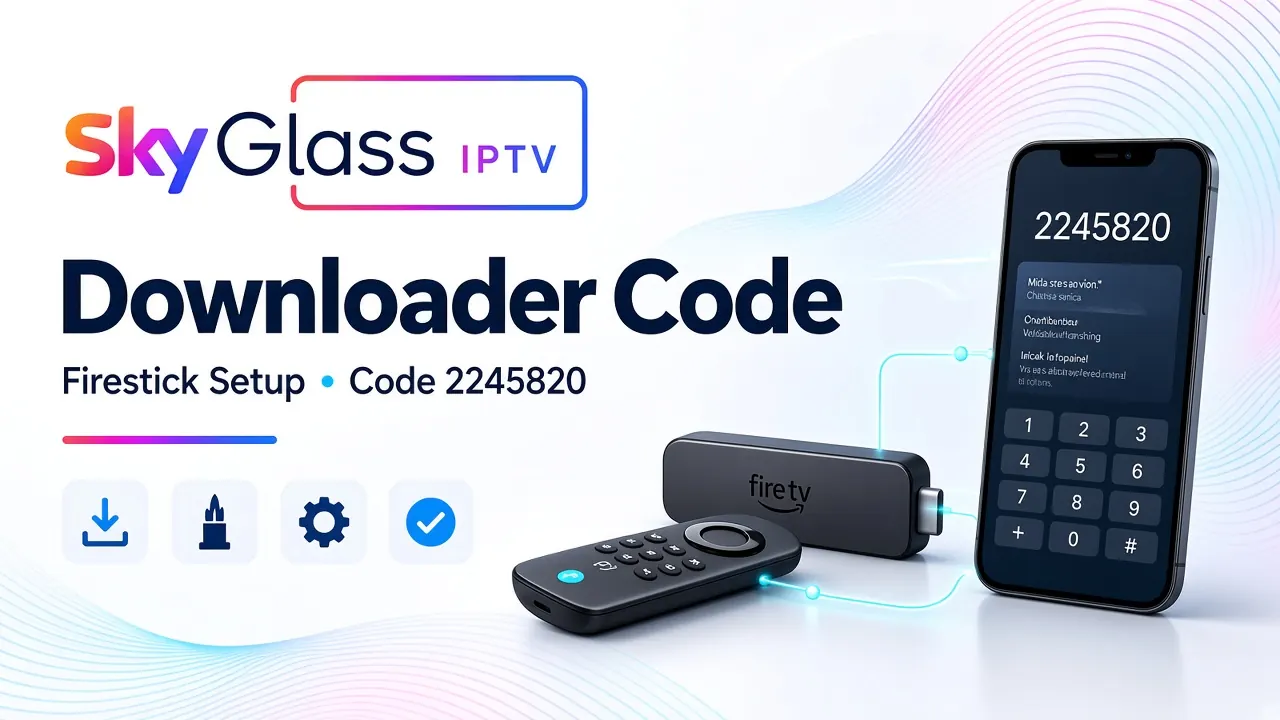
Use Downloader code 2245820 on Firestick to install the Sky Glass IPTV app, then sign in with your Premium login details.
Read guide
Get your Sky Glass IPTV username and password, enter them on Firestick, and fix login problems with this UK setup guide.
Read guide
Download the Sky Glass IPTV Android app with Downloader code 2245820, install it on phones, tablets or Android TV, and sign in safely.
Read guide
Install a compatible IPTV player on Fire Stick, connect your subscription, load your playlist, and fix buffering or login problems at home in the UK.
Read guide
Find the right Sky Glass IPTV setup in the UK — which app to use, how to install on a compatible device, fix buffering, and what to check before you subscribe.
Read guide