Sky Glass Android App: Download and Install IPTV on Android
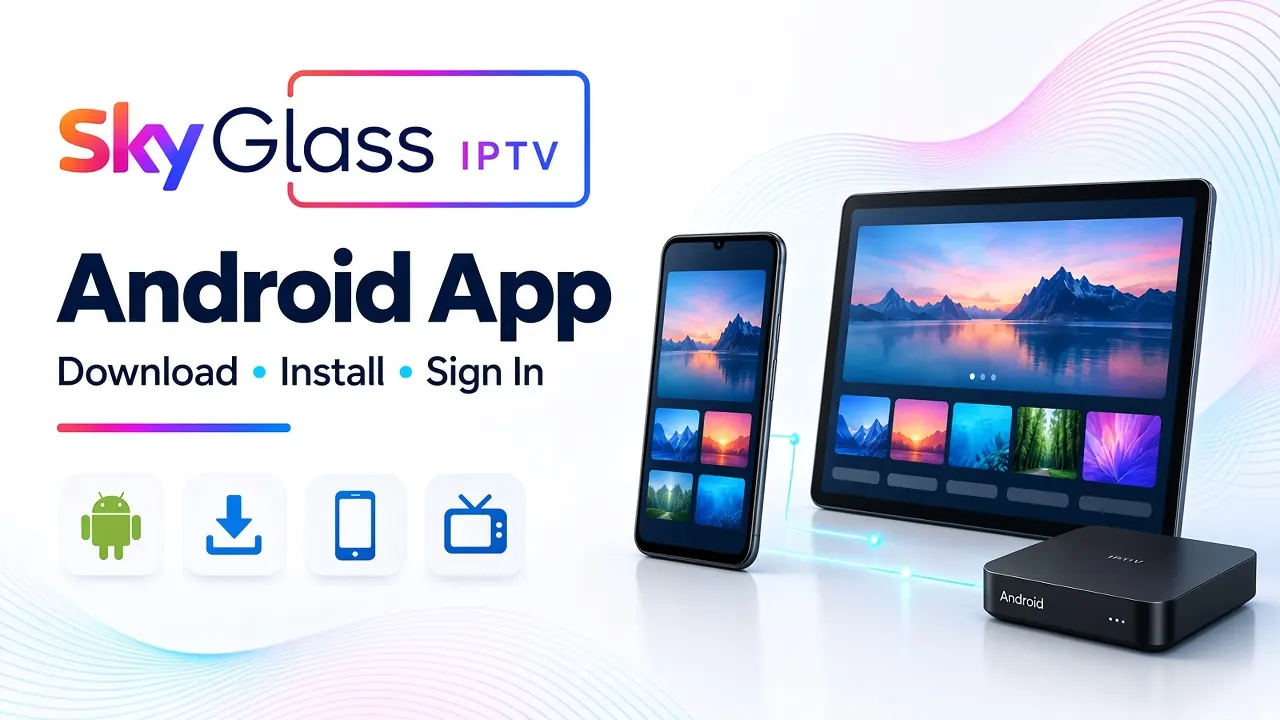
Looking for the Sky Glass Android app to watch live TV, sports, films and entertainment on your Android device? With Sky Glass IPTV, you can access a wide range of entertainment through a compatible Android phone, tablet, Android TV or Android TV box.
At Skyglass-iptv.com, we make it easier to get started with our IPTV service. You can buy a Sky Glass IPTV subscription directly from us, receive your login details through our support team, and install the application on your compatible device. Whether you want to watch television on your mobile phone or enjoy a bigger screen through Android TV, our service provides a convenient way to access available IPTV content.
In this guide, you will learn how to download the Sky Glass IPTV Android app, install it using Downloader, enter your login details and troubleshoot common problems. We will also explain how to choose a subscription and get started with our service.
What Is the Sky Glass Android App?
The Sky Glass IPTV Android app is the application supplied for compatible Android devices to access the Sky Glass IPTV service. Once installed and connected to an active account, it allows you to browse available television channels and on-demand entertainment.
Depending on your subscription and content availability, you may find:
- Live TV channels across different categories
- Sports and entertainment channels
- Films and television series
- Electronic Programme Guide (EPG) information on supported channels
- Catch-Up content on selected channels
- Available SD, HD, Full HD and 4K streams
If you want to enjoy these features, you can purchase a Sky Glass IPTV subscription from our website. Our support team can guide you through the subscription process, provide the required login details and help you set up the application.
Please note that Sky Glass IPTV is an independent IPTV service. It is separate from the official Sky Glass television product and Sky subscriptions.
Why Choose Sky Glass IPTV for Your Android Device?
An Android device gives you flexibility because you can watch content on a mobile screen or connect a compatible Android TV device to a television.
With a suitable Sky Glass IPTV subscription, you can access the service without needing a traditional satellite dish or cable connection. You only need a compatible device, a reliable internet connection and valid account details.
| Feature | What You Can Expect |
|---|---|
| Live TV | Access available live television channels |
| Sports | Browse available sports categories |
| Movies | Watch available on-demand films |
| TV series | Explore available shows and episodes |
| EPG | View programme information on supported channels |
| Catch-Up | Watch earlier programmes on selected channels |
| Streaming quality | SD, HD, Full HD and 4K where available |
| Device support | Compatible Android phones, tablets, TVs and boxes |
The available content and streaming quality depend on your package, device, internet connection and individual stream.
Ready to get started? Visit our Sky Glass IPTV Premium page to explore subscription options and contact our team for assistance.
What You Need Before Installing Sky Glass IPTV on Android
Before downloading the application, make sure you have everything required for installation and activation.
| Requirement | Purpose |
|---|---|
| Compatible Android device | To install and run the application |
| Stable internet connection | To download the app and stream content |
| Downloader app | To access the supplied installation file |
| Available storage | To download and install the application |
| Active IPTV subscription | To access the service |
| Login details | To sign in to your account |
If you have not purchased a subscription yet, you can contact us to discuss the available plans. After completing the subscription process, our support team will provide the necessary login details and setup guidance.
How to Download Sky Glass IPTV on Android
The current installation guide on our website provides Downloader code 2245820 for compatible devices. Follow these steps to install the supplied application.
- 1
Install Downloader
Open the Google Play Store on your compatible Android TV or device. Search for Downloader by AFTVnews. Select the correct application, tap Install, wait for the installation to finish, then open Downloader from your app menu. If Downloader is not available on your Android phone or tablet, contact our support team for the appropriate installation method.
- 2
Open Downloader
Launch Downloader after installation. Depending on your device, Android may request permission to allow Downloader to access files or install applications. Review the permission request and allow the access needed for the installation. Only install applications from sources you trust.
- 3
Enter the Sky Glass Downloader Code
Locate the address or code field inside Downloader. Enter 2245820, select Go and wait for the supplied Sky Glass application file to download. Make sure you enter the code correctly. Remember that this is an application download code, not a subscription code or your IPTV login password.
- 4
Install the Sky Glass Android App
Once the download finishes, the Android installation screen should appear. Select Install, wait for the process to complete, then select Open to launch the application. If Android blocks the installation, check the installation permission for Downloader under your device's security or app settings. You can disable the permission again after installation if it is no longer needed.
- 5
Buy Your Sky Glass IPTV Subscription
After installing the application, you need an active account to access the service. If you do not already have a subscription, visit our website and buy Sky Glass IPTV from us. Once your subscription process is completed, our team will provide your login details through the support channel.
- 6
Enter Your Login Details
Open the Sky Glass IPTV Android app and enter the username and password supplied by our support team. Check that your username is correct, enter your password exactly as provided, remove any accidental spaces, and confirm that your subscription is active. Once your login is accepted, allow the application to load the available categories and content.
How to Get Sky Glass IPTV on Android TV and Android Boxes
You can also install Sky Glass IPTV on compatible Android TV devices and Android TV boxes. The process is similar to the installation on other Android devices, although the navigation may look different.
- 1Open the Google Play Store on your Android TV or box.
- 2Search for Downloader by AFTVnews.
- 3Install and launch Downloader.
- 4Enter code 2245820.
- 5Download the supplied Sky Glass application.
- 6Install and open the app.
- 7Purchase a subscription from our website if you do not already have one.
- 8Enter the login details provided by our support team.
After signing in, you can browse the available channels and on-demand content using your television remote. If your Android TV does not support Downloader or the supplied installation file, contact us with your device model.
Can You Use the Sky Glass IPTV Android App on a Mobile Phone?
Yes, compatible Android phones and tablets can access the service. However, the installation method may differ from the Android TV process. If Downloader is not available or the supplied installation file does not work on your mobile device, contact our team for the correct instructions.
After installing the application, use your subscription login details to access your account. A mobile phone is useful when you want to watch on the go, while an Android tablet offers a larger screen.
How Much Does a Sky Glass IPTV Subscription Cost?
The cost depends on the subscription duration you choose. Skyglass-iptv.com provides different subscription options so customers can select a plan according to their viewing requirements.
Before purchasing, consider how long you want to use the service, whether you want to test it before committing to a longer plan, which Android devices you plan to use, and whether you need installation assistance.
Visit our Sky Glass IPTV Premium page for the latest available plans and pricing. If you are unsure which option is suitable, contact our support team before placing your order.
Common Sky Glass Android App Problems and Solutions
Sometimes the application may not download, install or sign in correctly. Try these solutions before contacting support.
| Problem | Possible Solution |
|---|---|
| Downloader code does not work | Check your connection and enter 2245820 again |
| APK download fails | Restart Downloader and check available storage |
| Installation is blocked | Review the installation permission for Downloader |
| App does not open | Restart your Android device |
| Login details are rejected | Check your username and password |
| Channels do not load | Confirm your account is active |
| Streaming keeps buffering | Test your internet connection and restart your router |
| Device is not compatible | Contact support with your device model |
If the problem continues, send our support team the exact error message and explain which step failed.
Tips for Better Sky Glass IPTV Streaming on Android
- Use a stable internet connection: A reliable Wi-Fi connection can help reduce interruptions during playback.
- Keep your Android device updated: Install available system updates to maintain device compatibility.
- Close unnecessary applications: Background apps can consume memory and affect performance, particularly on older Android devices.
- Check available storage: Keep enough free space for application updates and normal device operation.
- Restart your device when necessary: Restarting your Android phone, TV or box can resolve temporary software issues.
- Choose suitable streaming quality: Your internet speed and device capabilities affect playback. Around 25 Mbps may be a useful target for HD streaming, while 50 Mbps or more is a reasonable starting point for supported 4K streams.
Frequently Asked Questions
Is there a Sky Glass Android app?
Yes. Skyglass-iptv.com supplies an application for compatible Android devices. You can install it on supported Android phones, tablets, Android TV devices and Android TV boxes.
How do I download Sky Glass IPTV on Android?
Install Downloader by AFTVnews where available, open it and enter code 2245820. Download and install the supplied application, then use your account login details to sign in.
What is the Sky Glass Downloader code for Android?
The current Downloader code is 2245820. It opens the supplied application download page. It is not a subscription activation code or your account password.
Where can I buy a Sky Glass IPTV subscription?
You can purchase your subscription directly from Skyglass-iptv.com. Visit the Premium page to review available plans and contact our team for assistance.
Can I install Sky Glass IPTV on an Android TV box?
Yes, compatible Android TV boxes can use the supplied application. Install Downloader, enter the current code and follow the installation instructions. Check device compatibility if the installation does not work.
Can I use Sky Glass IPTV on my Android phone?
Yes, compatible Android phones and tablets can access the service. The installation method may vary, so contact support if you need a mobile-specific installation link.
Do I need a subscription to use the Sky Glass Android app?
You need an active account to access the IPTV service. Installing the application alone does not provide access to the content. You can purchase a subscription through our website.
How do I get my Sky Glass IPTV username and password?
After completing the trial or subscription process, contact our support team to receive your login details. Enter the supplied credentials into the application.
Why is my Sky Glass Android app not working?
Common causes include an unstable internet connection, insufficient storage, blocked installation permissions, device incompatibility or incorrect login details. Check these issues and contact support if the problem continues.
Is Sky Glass IPTV available on Google TV?
Compatible Google TV devices may support the Android installation method. Install Downloader where available and follow the supplied instructions. Contact support to confirm compatibility with your particular model.
Buy Sky Glass IPTV and Start Watching on Android
Getting started with Sky Glass IPTV on Android involves three main steps: installing the application, choosing a suitable subscription and entering your account details.
At Skyglass-iptv.com, you can buy a Sky Glass IPTV subscription, receive login assistance and set up the service on a compatible Android phone, tablet, Android TV or Android TV box.
Whether you want to watch live television on your mobile or enjoy films and entertainment on a larger screen, our team can help you through the setup process.
Ready to get started? Visit our Sky Glass IPTV Premium page to explore the available subscription plans and contact our team to place your order.
Ready to check plans or request a trial?