Sky Glass Downloader Code: UK Firestick Setup Guide for 2026
Looking for the Sky Glass downloader code to install the Sky Glass IPTV app on your Firestick? You can use the Downloader app by AFTVnews to download the application using a short numeric code instead of typing a long web address.
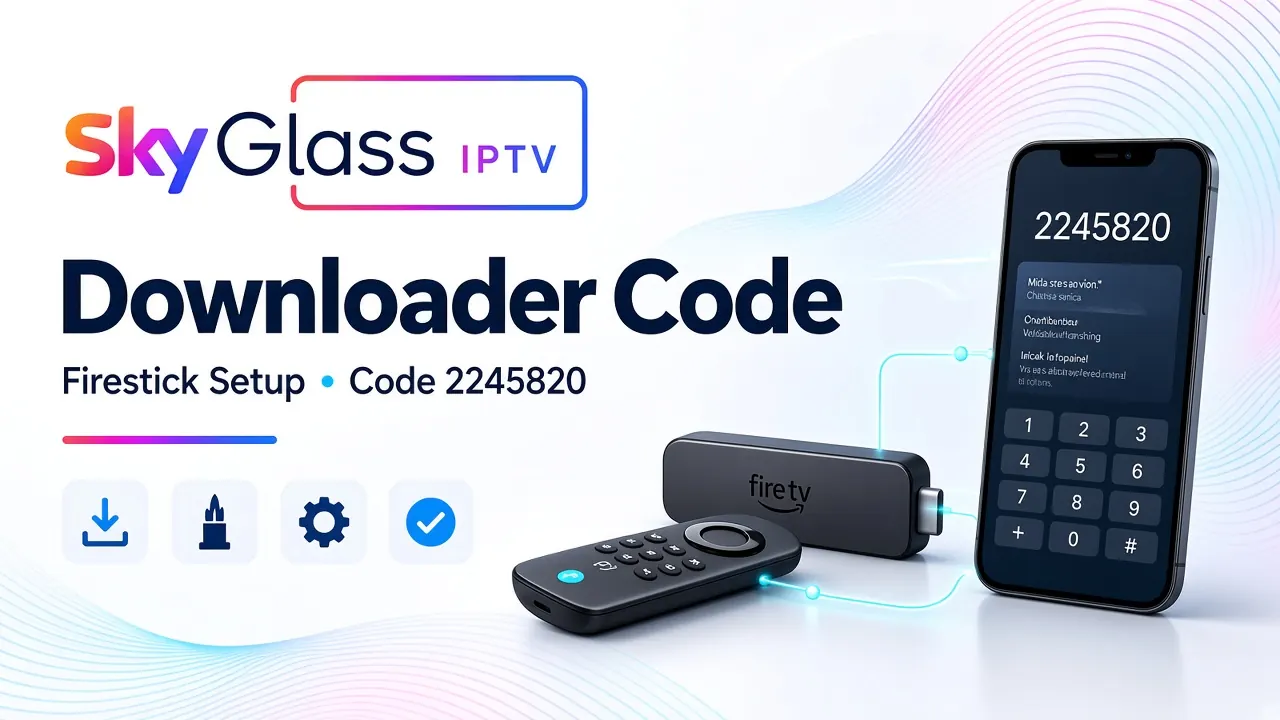
The current Sky Glass IPTV Downloader code is 2245820. Enter this code in the Downloader app on a compatible Amazon Fire TV Stick or Fire TV device to access the supplied application. Once installed, you will need your active subscription login details to sign in and access your package.
This guide explains how to use the Sky Glass code for Downloader, where to enter it, how to install the application, and what to do if the download or installation does not work. Whether you searched for a Sky Glass code downloader or a downloader code for Sky Glass, follow the instructions below to get started.
What Is the Sky Glass Downloader Code?
The Sky Glass downloader code is a numeric shortcut used with the Downloader application to access the Sky Glass IPTV app installation file.
Normally, downloading an application through a browser requires entering its complete web address. Downloader makes this process easier by allowing users to enter a short code instead.
Here is the information you need:
| Detail | Information |
|---|---|
| Application | Sky Glass IPTV |
| Downloader app | Downloader by AFTVnews |
| Downloader code | 2245820 |
| Main device | Amazon Firestick |
| Other compatible devices | Supported Fire TV and Android devices |
| Subscription required | Yes, for account access |
The code is only used to access the application download. It does not activate your Premium subscription, provide login credentials or unlock channels automatically.
Important: The Downloader app is designed for compatible Fire TV and Android-based devices. You cannot enter this code directly into the official Sky Glass television interface. If you own a Sky Glass television, you may need an external compatible Firestick connected through HDMI.
What Is the Downloader Code for Sky Glass IPTV?
If you want the direct answer, the current Sky Glass code for Downloader is:
2245820
Use the following instructions:
- 1Install Downloader by AFTVnews on your Firestick.
- 2Open the application.
- 3Find the code or URL input field.
- 4Enter 2245820.
- 5Select Go and wait for the download page to open.
- 6Follow the installation instructions displayed on your device.
Make sure you enter all seven digits correctly. If the code does not open the expected Sky Glass IPTV download, stop and check the current installation guide or contact support before installing anything from an unfamiliar destination.
How to Install the Downloader App on Amazon Firestick
Before using the downloader code for Sky Glass, you must install the Downloader application on your Firestick.
- 1
Open Your Firestick Home Screen
Switch on your television and Firestick. Wait for the home screen to appear. Make sure your device is connected to the internet. A stable Wi-Fi connection will help you download the application without interruptions.
- 2
Search for Downloader
From the Firestick home screen, select the Search option. Type Downloader by AFTVnews into the search bar. Find the appropriate application in the Amazon Appstore and check its publisher before downloading.
- 3
Install the Application
Select the Downloader app and choose Get or Download. Wait until the installation is complete. Once installed, select Open to launch it. You may need to accept its initial permissions or introductory prompts before continuing.
How to Use the Sky Glass Code for Downloader
After installing Downloader, you can use the Sky Glass IPTV code to access the application file.
- 1
Open Downloader
Launch Downloader from your Firestick applications. On the main screen, you will find a field where you can enter a web address or Downloader code. This is where you need to enter the Sky Glass downloader code.
- 2
Enter Code 2245820
Carefully type 2245820 using your Firestick remote. Select Go after entering the complete code. Wait for Downloader to process the shortcut and open the corresponding download destination.
- 3
Download the Sky Glass IPTV App
Once the correct download page opens, follow the on-screen instructions to download the supplied application. Before proceeding, check that the destination is the expected Sky Glass IPTV download. Avoid continuing if the code redirects you to an unfamiliar website or an unrelated file.
- 4
Install the Application
After the download finishes, your Firestick should display an installation prompt. Select Install and wait for the process to complete. Once installation finishes, choose Open to launch the application. If Fire OS asks you to allow Downloader to install applications, follow the device's security settings and enable the permission only for the verified Downloader application. Depending on your Fire OS version, the setting may appear under Settings → My Fire TV → Developer Options → Install Unknown Apps. If Developer Options is hidden, open Settings → My Fire TV → About and select your device name several times until the developer notification appears.
How to Activate Your Sky Glass IPTV Premium Subscription
Downloading the application is not the same as activating your account. You also need valid subscription credentials.
Once you have installed the Sky Glass IPTV app, follow these steps.
- 1Open the newly installed Sky Glass IPTV application.
- 2Locate the login screen.
- 3Enter the username provided by the support team.
- 4Enter your password carefully.
- 5Submit the details and allow the account to connect.
- 6Wait for the available content to load.
For the application supplied through Skyglass-iptv.com, the login process uses the username and password sent after activation. You do not need to enter a separate server address in this supplied app.
If you have not purchased a subscription yet, visit the Sky Glass IPTV Premium subscription page to review the available plans.
What Does Sky Glass IPTV Premium Include?
The Premium page currently lists four subscription options with the same advertised catalogue and one simultaneous connection.
| Subscription | Price |
|---|---|
| 1 Month | £12 |
| 3 Months | £22 |
| 6 Months | £30 |
| 12 Months | £40 |
The advertised Premium catalogue includes:
- 27,000+ live channel entries.
- 120,000+ films and series entries.
- Entertainment, sports, news and documentary categories.
- Programme guide information where supplied.
- Catch-up on selected channels.
- SD, HD, Full HD and selected 4K streams, depending on availability.
- Login details and installation assistance.
Individual channels, programmes and resolutions can change depending on the available sources. Check the current availability of any particular content you want before ordering.
All listed plans include one simultaneous connection. Additional connections and any paid third-party player licence may cost extra. Subscriptions renew manually rather than automatically.
Ready to get started? Visit Sky Glass IPTV Premium to compare the plans and choose a subscription that suits your requirements.
Common Problems with the Sky Glass Downloader Code
Sometimes users experience problems when entering the Sky Glass code for Downloader. Most installation issues can be investigated with a few simple checks.
1. Downloader Code Is Not Working
If code 2245820 does not open the expected download destination, first check that you entered all seven digits correctly. Close Downloader and open it again. Check your internet connection and consult the current installation guide to confirm that the code has not changed. Do not use random codes found on unrelated websites.
2. Downloader Cannot Download the Application
This problem may occur because of an unstable internet connection, insufficient device storage or an unavailable download destination.
- Restart your Firestick.
- Check your Wi-Fi connection.
- Make sure sufficient storage is available.
- Close unnecessary background applications.
- Try the download again.
If the same error continues, contact support with the exact error message.
3. Firestick Is Blocking the Installation
Your Firestick may require permission for Downloader to install an application from an external download source. Open the device settings and check the Install Unknown Apps permission for Downloader. Only enable installation for a source you have verified. Remember that menu names can vary between Fire OS versions.
4. Sky Glass IPTV App Opens but Does Not Load Content
If the application installs successfully but displays an empty screen or login error, check your account information. Make sure your subscription is active and that you are using the correct username and password. If the information is correct but the problem continues, contact the support team for assistance.
5. Sky Glass IPTV Is Buffering
Buffering can result from weak Wi-Fi, network congestion, device performance or problems with the stream source. Try moving your Firestick closer to the router, restarting your network equipment and testing another streaming application. A compatible Ethernet adapter may also help if Wi-Fi reception is poor.
Frequently Asked Questions
What is the Sky Glass downloader code?
The current Sky Glass IPTV Downloader code listed on our installation page is 2245820. Enter it in Downloader by AFTVnews on a compatible Firestick or Android-based device to access the supplied application.
How do I use the Sky Glass code for Downloader?
Install Downloader from the Amazon Appstore, open it and enter 2245820 in the code or URL field. Select Go and follow the instructions to download and install the application.
Is the Sky Glass downloader code free?
The Downloader shortcut is used to access the application file. It does not provide a free IPTV subscription or activate Premium access. An active subscription and valid login details are required for account access.
Does the Sky Glass downloader code work on Firestick?
Yes, the supplied code is intended for compatible Firestick and Fire TV devices. Make sure you have installed Downloader and that your device supports the application before proceeding.
Can I use the Sky Glass code downloader on my Smart TV?
The Downloader method is intended for compatible Android-based devices. Samsung and LG televisions, for example, use different operating systems and may require a different supported application. Check your television model before installation.
Is the downloader code the same as my IPTV activation code?
No. The Downloader code accesses the application download. Your subscription username and password are separate credentials supplied after account activation.
What should I do if code 2245820 stops working?
Check the current installation guide on Skyglass-iptv.com, confirm your internet connection and re-enter the code carefully. If the destination is unavailable or unexpected, contact support for the latest verified instructions.
Can I use Sky Glass IPTV without a Firestick?
Yes, depending on your device. Compatible Android devices and other supported platforms may have alternative installation methods. The correct application and login process depend on the operating system.
Final Words
Finding and using the correct Sky Glass downloader code makes installing the supplied application on a compatible Firestick much easier. Remember that 2245820 is the current download shortcut, not your subscription password or activation code.
Install Downloader, enter the code, complete the application installation and sign in using your valid account details. If you are ready to explore the available packages, visit our Sky Glass IPTV Premium page and review the subscription options before ordering.
Ready to check plans or request a trial?